
Online gaming platforms rely heavily on secure login systems to protect user accounts. One of the most common security features used today is OTP verification. However, many users sometimes face a frustrating issue where the OTP does not arrive on their phone during login or registration.
If you are currently dealing with the IPLWin OTP not receiving issue, you are not alone. Many players across India occasionally face OTP delivery delays due to network problems, incorrect settings, or system congestion.
This comprehensive guide will help you understand why the IPLWin OTP not receiving problem happens and how you can fix it quickly. By the end of this article, you will know the exact troubleshooting steps to regain access to your account safely and smoothly.
Table of Contents
Understanding the IPLWin OTP Verification System
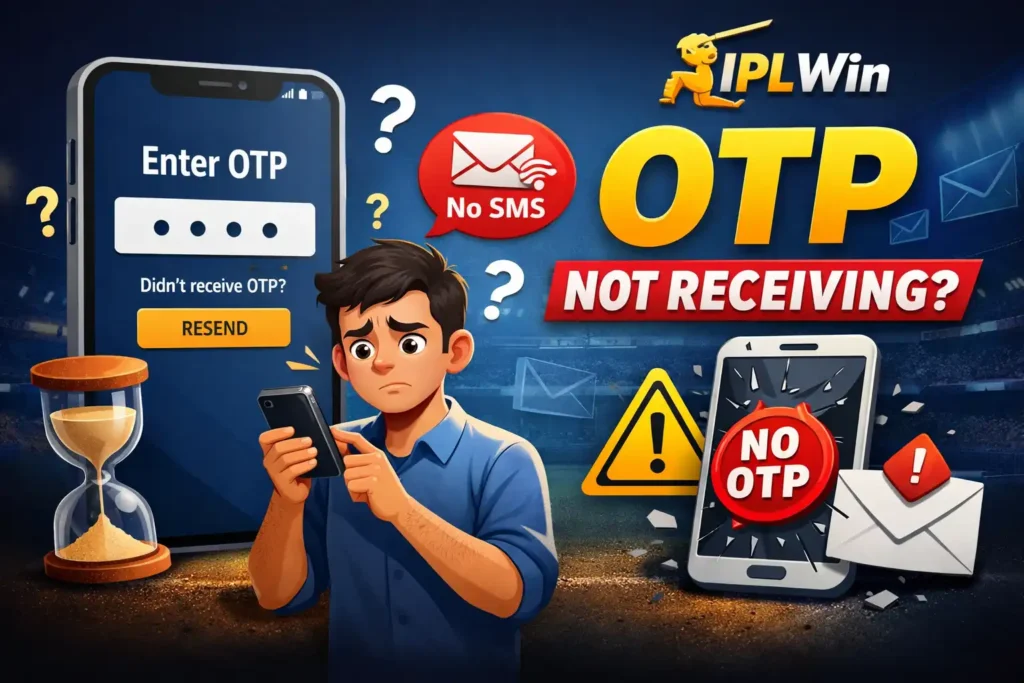
Before fixing the problem, it is important to understand how OTP verification works. An OTP, also known as a One Time Password, is a temporary code sent to your registered mobile number when you try to log in or perform a sensitive action on your account. The purpose of OTP verification is to ensure that only the real account owner can access the account. Whenever you log in to IPLWin, the platform sends an OTP through an automated messaging gateway. This system usually delivers the code within a few seconds. However, certain technical or device related issues can cause the IPLWin OTP not receiving problem.
Common reasons include:
• Weak mobile network
• SMS delivery delay
• Incorrect mobile number
• DND service activation
• Phone SMS inbox full
• Server overload during peak hours
Understanding these causes will help you fix the IPLWin OTP problem faster.
Common Reasons Behind IPLWin OTP Not Receiving
Network Connectivity Problems
The most common reason for IPLWin OTP not receiving is poor network coverage. OTP messages rely on the telecom network. If your phone signal is weak or unstable, the message may take longer to arrive or may not arrive at all. Users in areas with weak coverage often experience the IPLWin login OTP issue during busy hours.
Solutions
• Switch to an area with better signal strength
• Toggle airplane mode on and off
• Restart your phone
• Check if other SMS messages are arriving normally
Incorrect Mobile Number
Sometimes the problem occurs because the mobile number entered during login is incorrect. Even a small mistake in the last digit can prevent the OTP from reaching your phone. If the number linked to your account is outdated or changed, the IPLWin OTP not receiving issue will occur repeatedly.
What you should do
• Carefully check the number entered
• Confirm that the number matches the registered account number
• Update your number through account settings if needed
SMS Inbox Storage Full
Many users forget that their phone storage can also affect OTP delivery. If your SMS inbox is completely full, new messages may not be delivered. This can result in the IPLWin OTP problem even though the platform successfully sent the OTP.
Fix
• Delete old messages
• Clear spam or promotional SMS
• Ensure enough storage space for incoming messages
Do Not Disturb (DND) Activation
Some telecom operators allow users to activate DND services that block promotional or automated SMS messages. OTP messages may sometimes be mistakenly filtered due to these restrictions.
This could cause the IPLWin login OTP issue. You can check your DND status using the official telecom regulation website provided by the Telecom Regulatory Authority of India, where users can manage SMS preferences and complaint services. Disabling strict SMS filtering usually resolves the issue.
Server Delay During Peak Hours
Gaming platforms often experience high traffic during major cricket matches or promotional events. During such times, the OTP system may face temporary delays. This is especially common during large tournaments like the Indian Premier League, when thousands of users try to log in simultaneously. If the IPLWin OTP not receiving problem happens during peak hours, waiting for a few minutes and requesting the OTP again usually solves the issue.
Step by Step Fix for IPLWin OTP Not Receiving
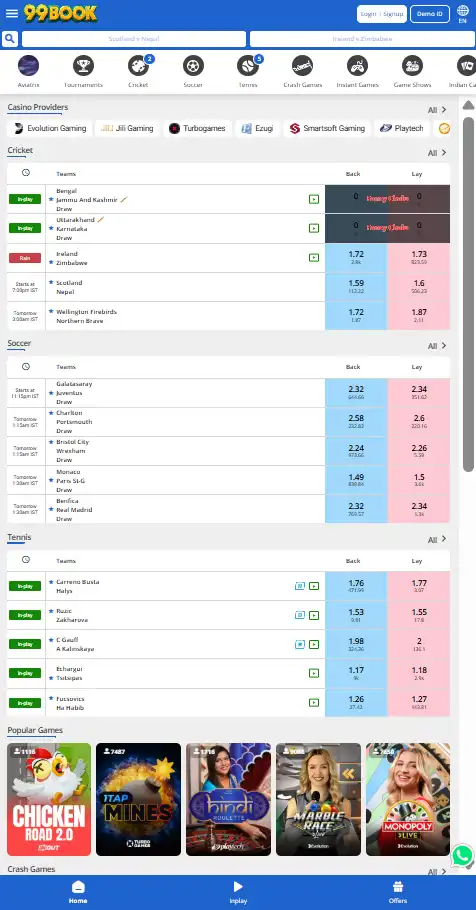
Here are the most effective troubleshooting steps that solve the majority of OTP problems.
Step 1 Restart Your Device
A simple phone restart refreshes the network connection and messaging service. Many users successfully resolve the IPLWin OTP not receiving problem by restarting their phone.
Step 2 Check Network Strength
Make sure your mobile network is stable.
You can try switching between:
• 4G / 5G network
• WiFi and mobile data
• Different SIM slots if using dual SIM
Improving connectivity often fixes the IPLWin OTP problem instantly.
Step 3 Request OTP Again
If the OTP has not arrived within 30 to 60 seconds, click the resend OTP option. However, avoid requesting multiple OTPs quickly because it may temporarily block the service.
Step 4 Turn Off SMS Blocking Apps
Some security or spam filtering apps may block automated messages. Check if any of these apps are installed on your phone and temporarily disable them. This can fix the IPLWin login OTP issue.
Step 5 Update the App or Browser
If you are using the IPLWin mobile platform, ensure that the app version is updated. Outdated applications may fail to request OTP messages correctly. Using an updated browser version can also improve login reliability.
Step 6 Contact Customer Support
If the IPLWin OTP not receiving issue continues even after troubleshooting, contacting the support team is recommended. Support agents can verify your account details and help restore OTP access quickly.
Preventing OTP Issues in the Future
Preventing login problems is easier than fixing them later. Here are a few useful tips that reduce the chances of the IPLWin OTP problem.
Maintain Good Network Connectivity
Always ensure your phone has strong signal strength before logging in. Weak signals are one of the most common reasons for OTP delivery failure.
Keep Your Registered Mobile Number Active
Your IPLWin account must always be linked to an active mobile number. If you change your phone number, update it in your account settings immediately.
Regularly Clear SMS Storage
Deleting unnecessary messages ensures that your device has enough storage for important OTP messages.
Avoid Excessive Login Attempts
Repeated login attempts within a short time may temporarily block OTP delivery. Wait for a few minutes before trying again.
Security Importance of OTP Verification
OTP authentication is not just a login step. It is a critical security layer that protects your gaming account.
Without OTP verification, accounts could easily be accessed by unauthorized users.
The IPLWin OTP not receiving problem may be inconvenient, but the system plays a vital role in preventing fraud and protecting personal data.
OTP based security is widely used across banking, financial platforms, and online gaming services.
For example, many digital platforms follow authentication standards recommended by organizations such as the Reserve Bank of India for secure digital transactions.
When to Contact Support for IPLWin OTP Problem
Sometimes the issue is related to backend verification or account settings.
You should contact support if:
• OTP has not arrived after multiple attempts
• Your mobile number has changed
• Your SIM card was recently replaced
• Your account appears locked
The support team can verify your identity and resolve the IPLWin login OTP issue safely.
Useful IPLWin Resources for Account Access
To avoid login difficulties, users should stay familiar with helpful guides and platform resources.
You can explore additional platform information such as the detailed explanation available in the guide about IPLWin withdrawal time, which explains account processing timelines and payment verification.
New users can also check the platform’s instructions for IPLWin minimum deposit amount, helping them understand the deposit process after successful login.
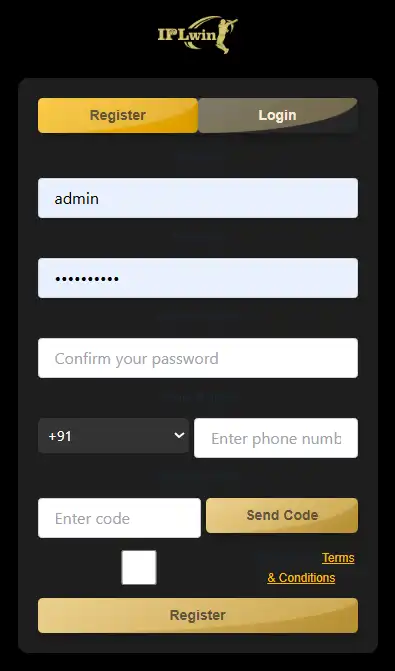
Players who are just getting started may find it helpful to review the step by step IPLWin login guide, which explains the correct login method and verification process.
These guides help reduce the chances of experiencing the IPLWin OTP not receiving problem in the future.
Final Thoughts
The IPLWin OTP not receiving problem can be frustrating, especially when you want quick access to your account during a live match or promotional event.
Fortunately, most OTP issues are caused by simple technical factors such as weak network signals, SMS restrictions, or temporary server delays.
By following the troubleshooting steps explained in this guide, users can resolve the IPLWin OTP problem quickly and continue enjoying the platform without interruption.
Keeping your mobile number updated, maintaining a stable network connection, and avoiding excessive login attempts will significantly reduce the chances of facing the IPLWin login OTP issue again.
If the problem persists despite trying all solutions, the support team will always be available to help you regain secure access to your account.
Frequently Asked Questions
Why is my IPLWin OTP not arriving on my phone?
The IPLWin OTP not receiving issue usually happens due to network problems, DND activation, incorrect phone numbers, or SMS storage limitations. Checking network strength and requesting OTP again usually fixes the issue.
How long does IPLWin OTP take to arrive?
Normally, OTP messages arrive within a few seconds. During peak hours or network congestion, it may take up to one minute.
What should I do if IPLWin OTP problem continues?
If the issue continues after multiple attempts, restart your phone, check your network signal, clear SMS inbox storage, and request OTP again. If the problem persists, contacting customer support is recommended.
Can I log in to IPLWin without OTP verification?
No. OTP verification is a mandatory security step. It ensures that only the account owner can access the platform and protects user accounts from unauthorized access.
Does DND block IPLWin login OTP?
In some cases, strict DND filtering may delay automated messages. Disabling SMS filtering or adjusting telecom preferences can help resolve the IPLWin login OTP issue.